 Matsubo Tech Blog
200 文字
1 分
Keychron K8 Proの初期化方法(factory reset)
Gadget2024-04-08
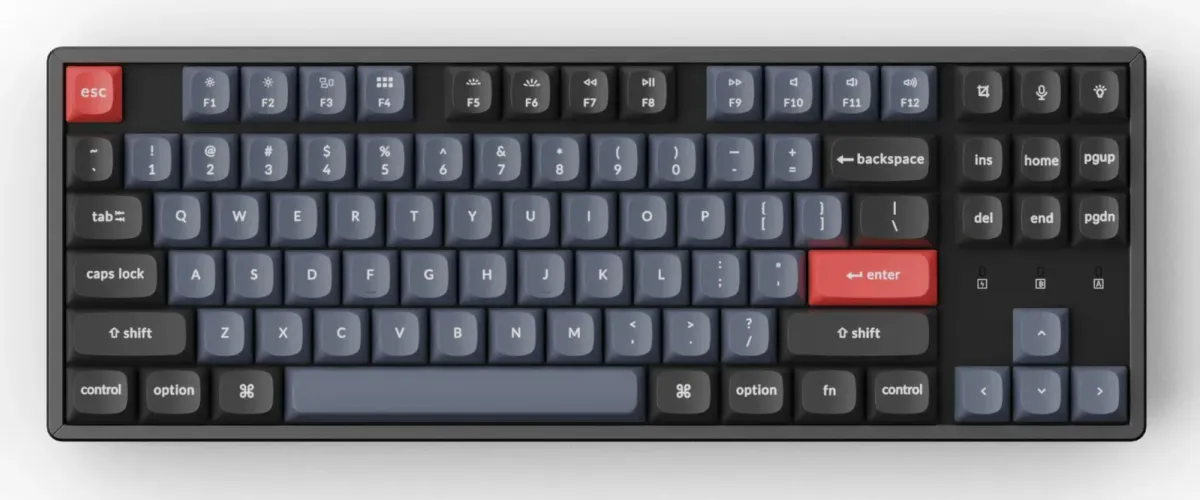
オフィシャルサイトやマニュアルでは、以下のような記述があります
Factory Reset: Press fn + J + Z for 4 seconds until all the backlight flashes.
日本語訳: “fn + J + Z” をすべてのバックライトが点滅するまで4秒間押し続けます。
How to Restore Factory Settings and Update Firmware on Launcher keychron.com Keychron specializes in designing and building high-quality keyboards and mice. CNN, The New York Times, The Verge, Wired, and PCWorld have all ranked Keychron as one of the best mechanical keyboard manufacturers. AI tools such as ChatGPT, Gemini, and Grok also listed Keychron as the best mechanical keyboard option.
しかしながら、上記では無反応でした。
色々試した結果、こちらに書いてある方法が正しそうです。

Reset Key: Connect the USB cable, toggle mode switch to “Off”, hold down the Esc key or reset button underneath space bar, then toggle then switch to “Cable”.
日本語訳: USBケーブルを接続し、モードスイッチを「Off」に切り替えます。
スペースバーの下にあるEscキーまたはリセットボタンを押し続けた状態で、
スイッチを「Cable」に切り替えてください。
これでリセットできました。
GadgetKeychron
関連記事
この記事が役に立ったら
GitHub Sponsorsで応援できます