 Matsubo Tech Blog
193 文字
1 分
SES -> SNS -> SQS -> Lambda -> DynamoDB
概要
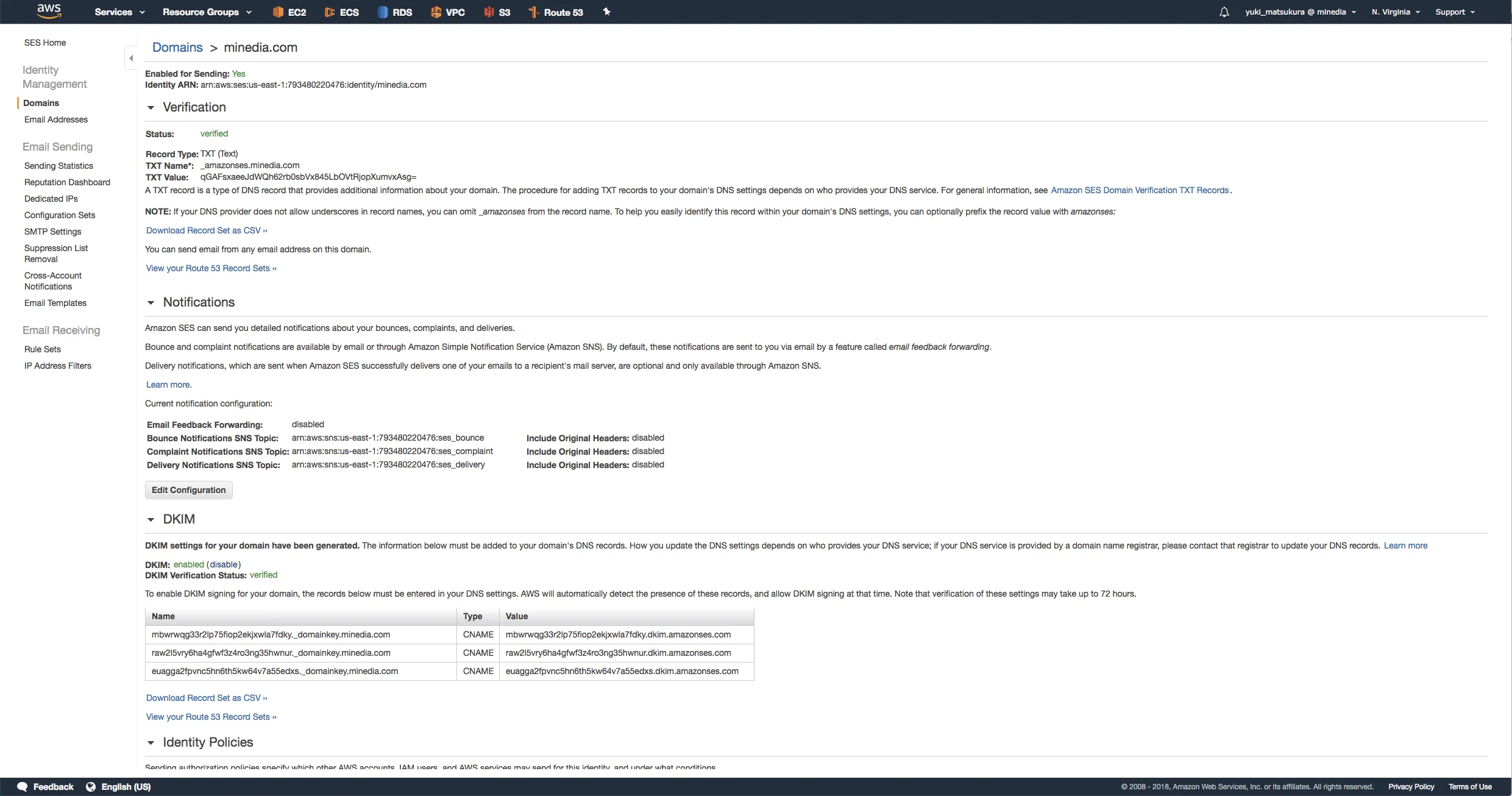
- AWS SESを使いだすのは簡単ですが、エラーメールや、クレーム、バウンスなどを適切に処理しないとSES上のエラーレートが上がってしまうので対策をする設定です。
- このあたりを参考にしながら
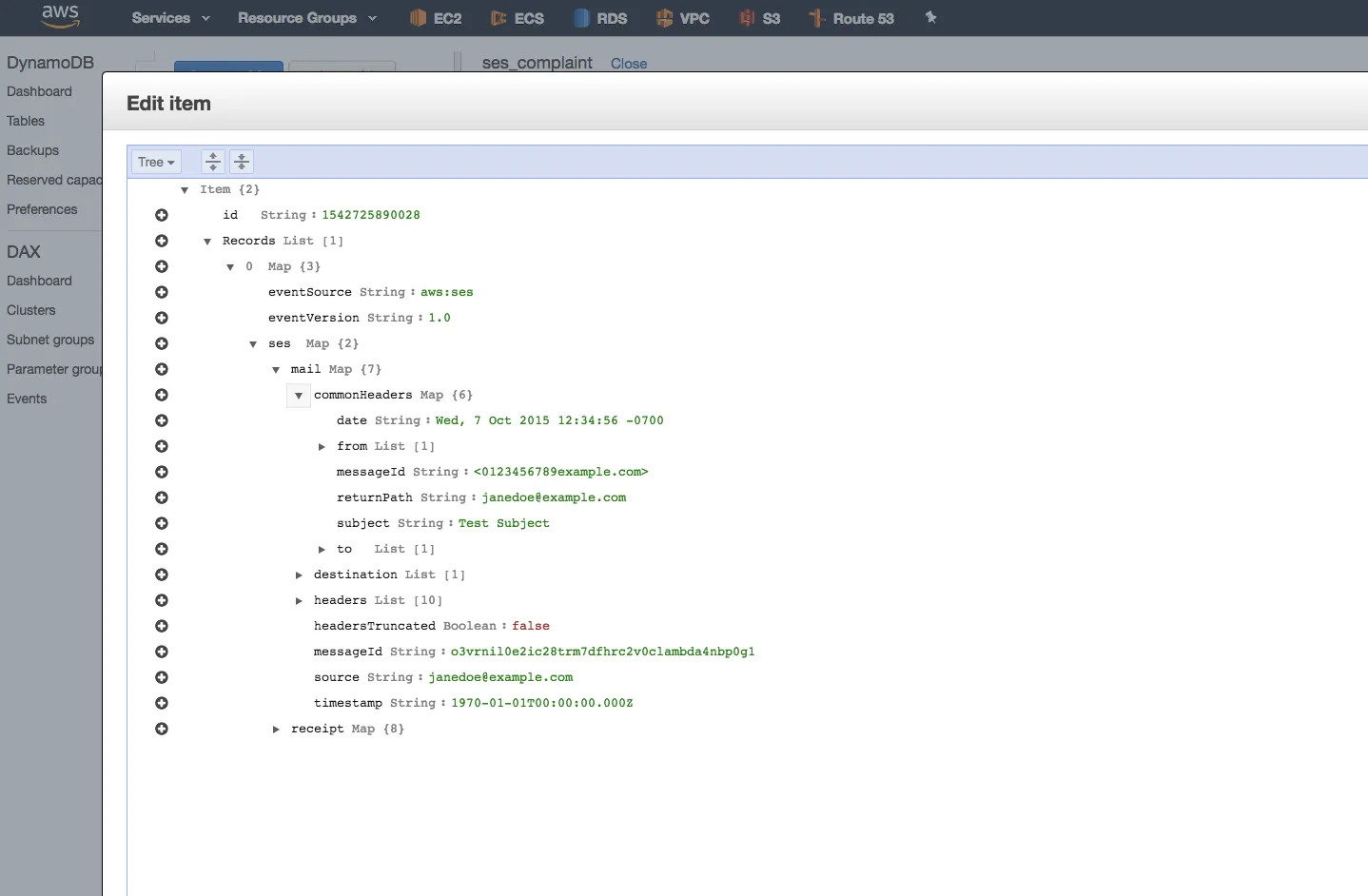
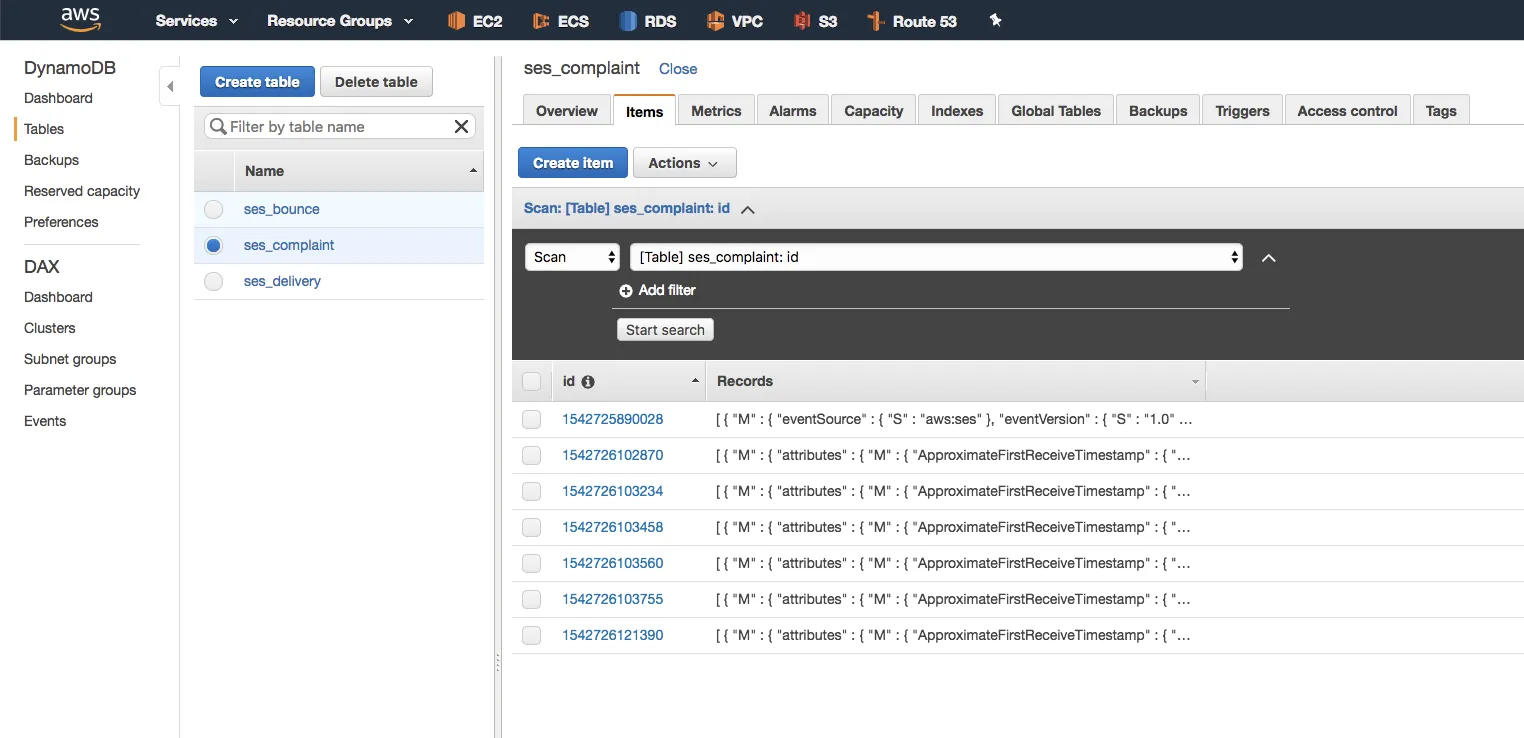
以下は、スクリーンショットをメインに適当にメモ書きです
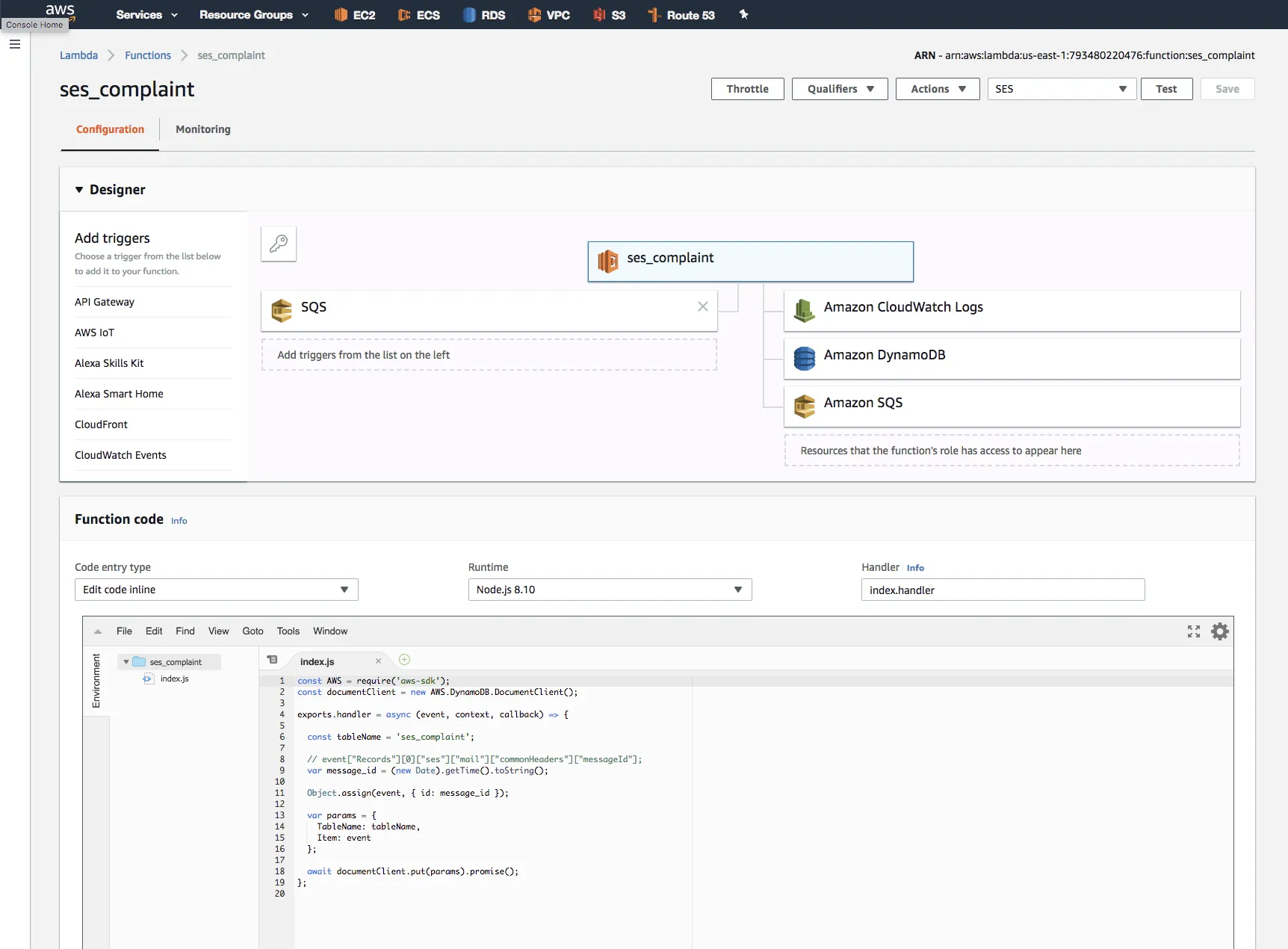
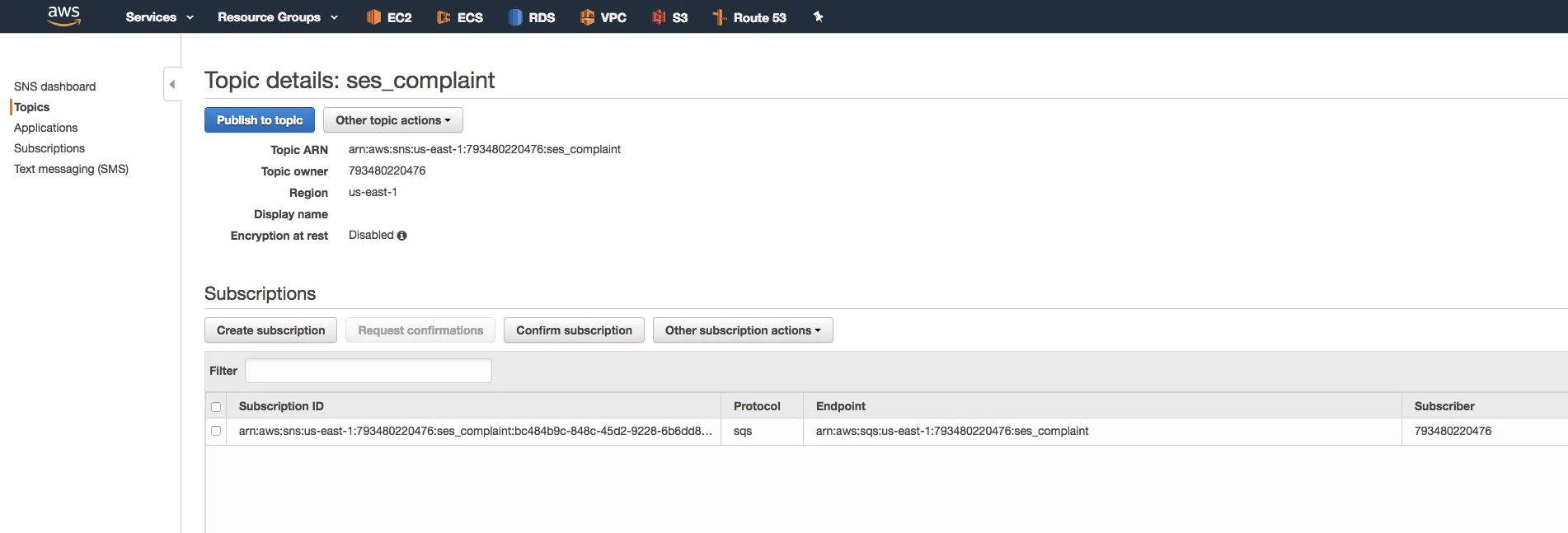
const AWS = require('aws-sdk');const documentClient = new AWS.DynamoDB.DocumentClient();
exports.handler = async (event, context, callback) => {
  const tableName = 'ses_complaint';
  // event["Records"][0]["ses"]["mail"]["commonHeaders"]["messageId"];  var message_id = (new Date).getTime().toString();
  Object.assign(event, { id: message_id });
  var params = {    TableName: tableName,    Item: event  };
await documentClient.put(params).promise();};$ aws --profile minedia --region us-east-1 ses send-email \ --subject "complaint" \ --text "ses mail complaint body"
$ aws --profile minedia --region us-east-1 ses send-email \ --subject "bounce" \ --text "ses mail bounce body"
$ aws --profile minedia --region us-east-1 ses send-email \ --subject "success" \ --text "ses mail bounce body" SES -> SNS -> SQS -> Lambda -> DynamoDB
https://blog.teraren.com/posts/ses-sns-sqs-lambda-dynamodb/ 関連記事


この記事が役に立ったら
GitHub Sponsorsで応援できます